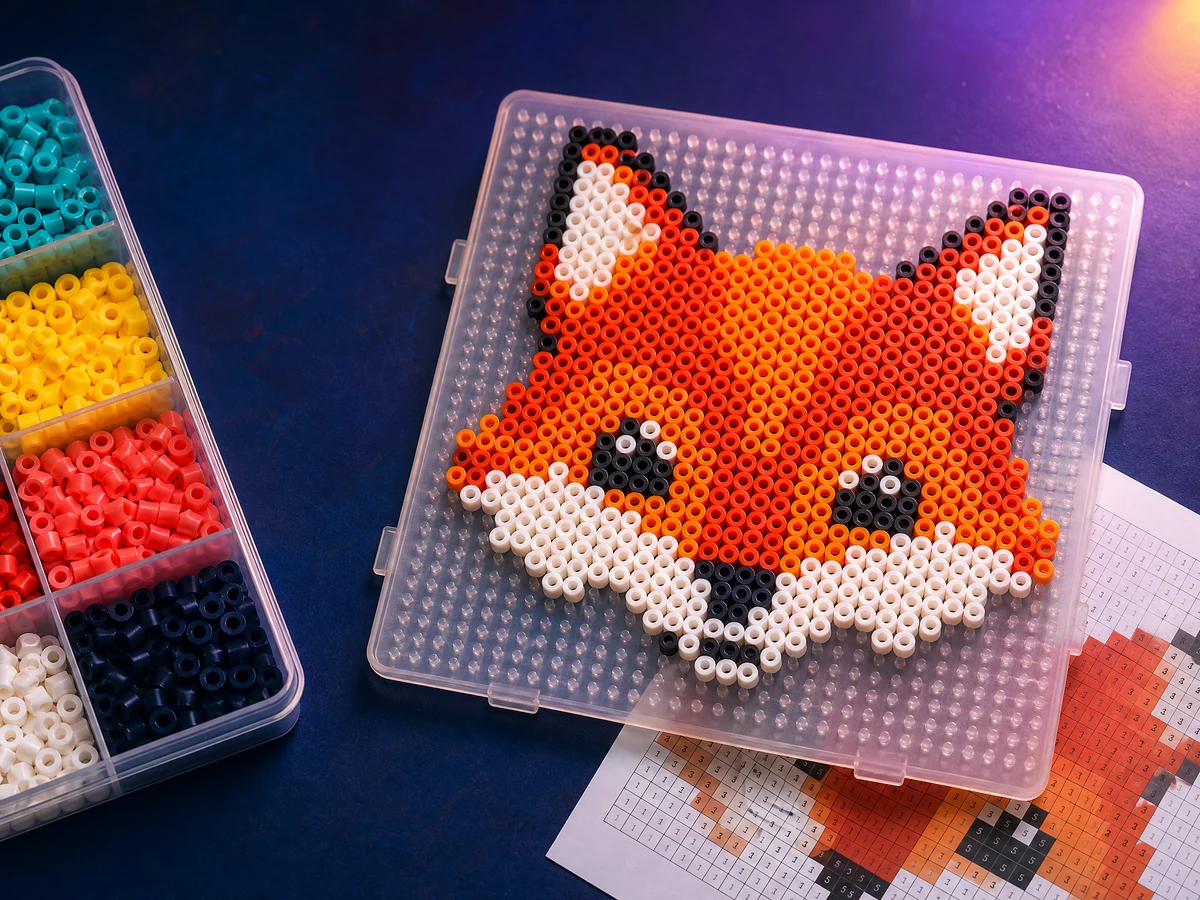
Turn an image into a buildable fuse bead chart. Count every bead, preview the finished piece, edit a single cell, and download a sharp pattern without uploading your artwork.
0 beads0 colours290 × 290 mm
Start with a photo or a templateYour bead chart and shopping list will appear here.
Edit bead
Click a chart cell to apply the selected colour. Right-click a cell to remove that bead.
#EC2049
Image conversion
Build your bead palette
Use adaptive colours for photos, or limit the result to a curated bead-friendly range.
From picture to bead pattern
Fuse beads are physical pixels. This tool samples your image by the area covered by every planned bead, keeps transparent background empty, and assigns the remaining cells to a concise palette. The result is easier to build than a photo scaled down with ordinary image smoothing.
Choose a width before you buy beads
Fine lines, faces and lettering need enough beads across to survive conversion. Start at 58–80 beads wide for a small character, then increase the width when a preview loses important features. The summary updates the finished millimetre size and total bead count as you work.